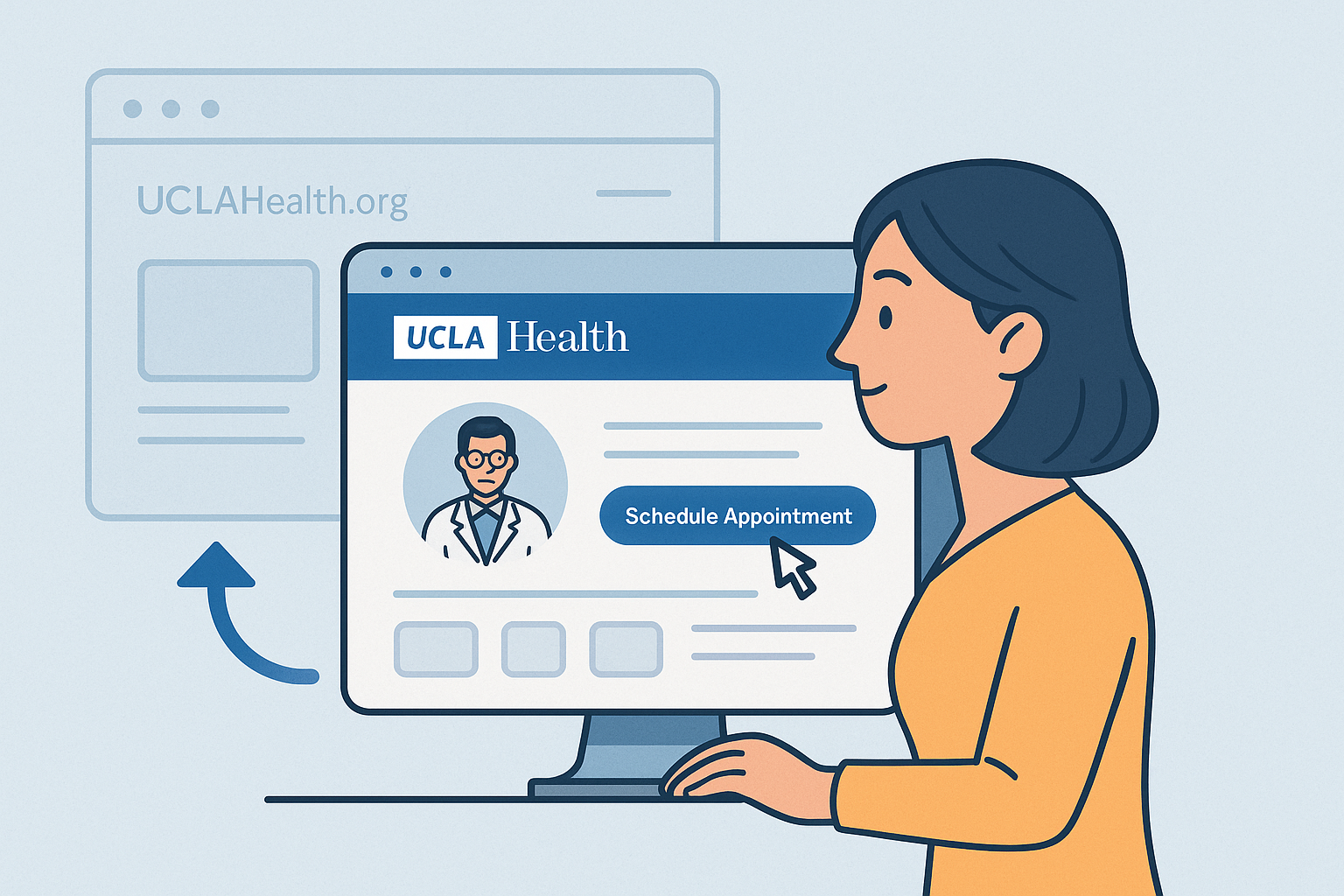
UCLA Health Care Access
The Problem
UCLA Health offered multiple ways to access care, ncluding Primary Care, Immediate Care, Virtual Care, and location-based services, but the pathways were fragmented and not always easy to navigate. Users had to work through competing links and unclear options to determine the right type of care and how to access it.
The challenge was to simplify these pathways and help patients quickly understand their options, find nearby care, and take the appropriate next step.
My Role
As the UX Designer, I used analytics, competitive research, and user behavior to identify friction across UCLA Health’s care pathways. I collaborated with stakeholders to translate those insights into clearer navigation, prioritized actions, and responsive experiences across desktop and mobile.
Improving Immediate Care Access Through UX Optimization
Analytics and heatmap data revealed that Immediate Care was a high-priority user need. Visitors frequently selected location-related links and scrolled through pages looking for the nearest care options.
The existing experience included redundant scheduling links and competing pathways, making it harder for users to know where to go next. These behavioral insights helped us identify an opportunity to simplify the experience and bring location-based care access closer to the user's immediate needs.
Team Aligns on UX Improvements
Research findings helped the team align on a focused set of improvements to make accessing care faster and more intuitive.
Prioritized Key Actions: Elevated high-value actions like Book by Phone and Virtual Care instead of giving every option equal weight.
Clarified Patient Pathways: Distinguished actions for new vs. existing patients, helping users quickly find the right next step.
Embedded Location Access: Brought the interactive map directly into the experience, reducing steps to find nearby care.
Reduced Decision Friction: Defaulted results to Immediate Care to give users a useful starting point.
Personalized by Location: Used ZIP code access to surface nearby care options with minimal input.
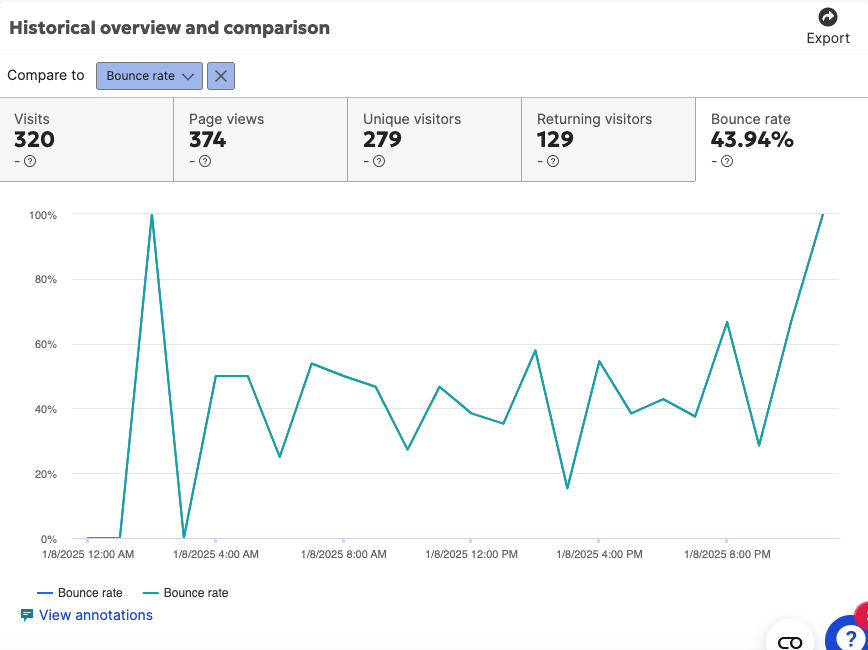
Analytics Breakdown
I reviewed traffic, engagement, bounce rates, and heatmap behavior to understand how patients were using the existing care experience. The data revealed strong interest in finding and scheduling care, but also exposed drop-off and friction between discovery and action, helping identify where clearer pathways and stronger calls to action could improve the experience.
The Opportunity
Create a clearer, more connected care experience that helps patients quickly identify the right type of care, find nearby locations, and take action, while bringing UCLA Health’s digital care pathways into a more consistent and intuitive experience.
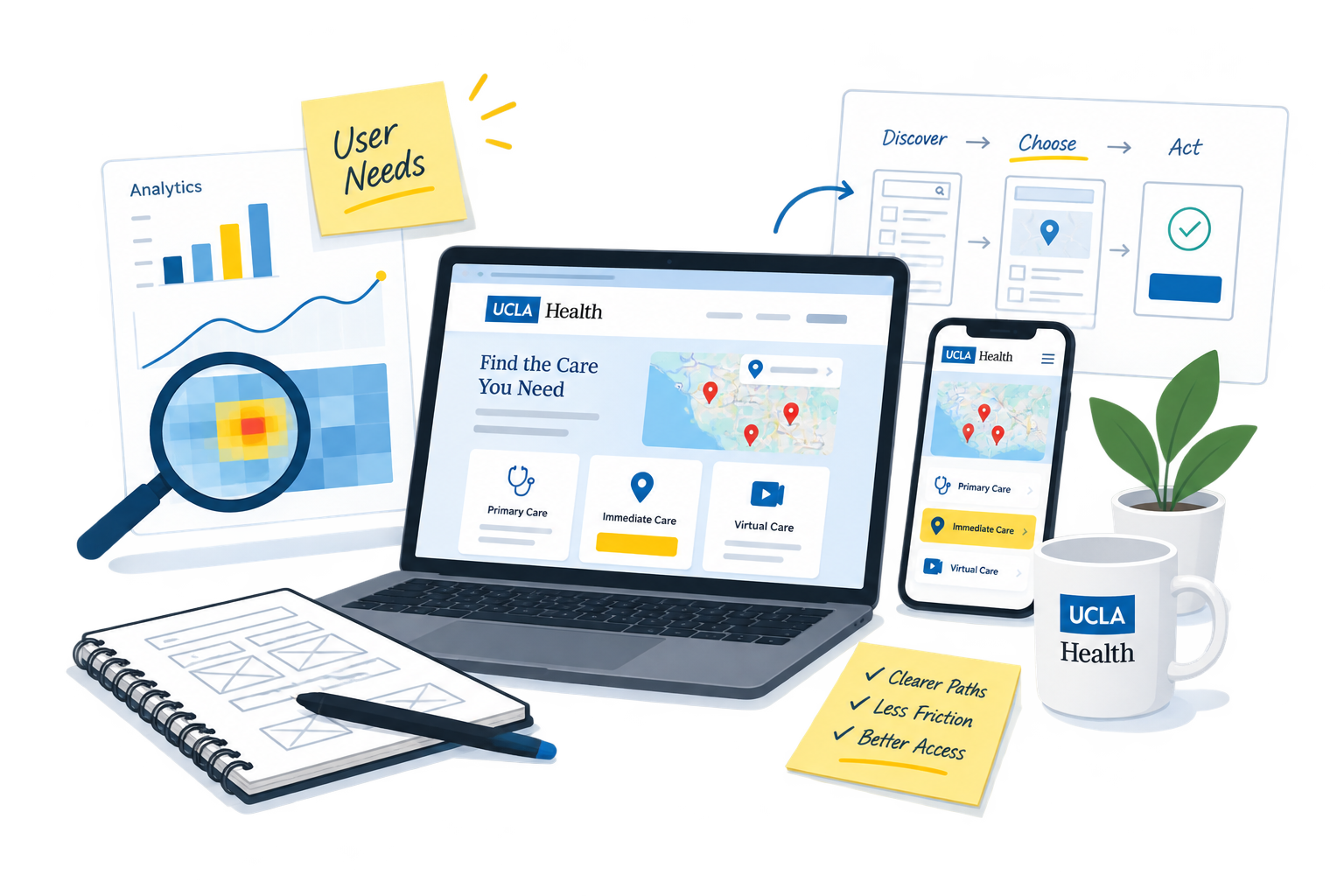
Heuristic Analysis: Key Takeaways
The analysis revealed opportunities to make Immediate Care faster and more task-focused, prioritizing location discovery, wait-time visibility, and clearer care options to reduce effort for patients seeking care.
Competitive Analysis: Positioning UCLA in the Healthcare Landscape
I compared UCLA Health with Cedars-Sinai, Johns Hopkins, Penn Medicine, and Massachusetts General to understand how leading healthcare systems guide users to care.
The analysis revealed key patterns in navigation, care pathways, and CTA hierarchy, helping identify opportunities for UCLA to differentiate its experience while making access to care clearer and more intuitive.
Designing Within an Established System
“Establish and maintain consistency across the entire website.”
UCLA Health maintained a rigorous design system built around Drupal components, standardized patterns, and brand guidelines. I designed wireframes and page architectures within these constraints, balancing new UX improvements with consistency across the broader UCLA Health ecosystem.
For Primary Care, I mapped the end-to-end scheduling flow to understand how patients move from finding a provider through eligibility, appointment selection, review, and confirmation, highlighting key decision points and potential barriers along the way.
Find Immediate Care Near You
The Immediate Care page was designed to help patients with urgent, non-emergency needs quickly find the right location and take action. The experience prioritizes location-based access, using an embedded map, nearby care options, and clear scheduling pathways to reduce the effort required to find and access care.
The mobile view needed to have the map and cards in view with minimal scrolling I wanted the map to display a time slot, but for technical reasons we couldn’t do that. The next best thing … a to link to the locations landing page with locations pre-filtered for immediate care locations. From there, users can book appointments.
I iterated on the Immediate Care experience to reduce informational clutter, prioritize actionable CTAs, and bring location details closer to the point of decision.
And most of all, a Map that displayed better location details compared to the static branding map that was previously displayed.
I reorganized Virtual Care around clearer patient pathways, separating scheduled visits, Immediate Care Video Visits, E-Visits, and other remote services. The wireflow mapped how those choices extended into MyChart, from eligibility and visit reason to scheduling, pre-check-in, and joining the visit this helps create a more continuous experience across systems.
Conclusion
Through a series of targeted redesigns, from Primary and Immediate Care to Video Visit access, I helped streamline UCLA Health’s digital experience with a strong emphasis on clarity, accessibility, and user empowerment. Each design decision was grounded in research, competitive analysis, and collaboration with stakeholders to ensure alignment with both user needs and organizational goals. By bringing consistency to care pathways and surfacing overlooked options like virtual visits, the redesign supports UCLA Health’s broader mission to deliver high-quality, patient-centered care—whether online or in person
While Iterating the virtual care page, I noticed a link to the
explanatory video was getting a lot of traffic I brought that to the forefront.
Scheduling Appointments Through Care Access Pages
I designed the Primary Care landing page to guide patients toward the right scheduling option based on their needs and familiarity with UCLA Health. Rather than relying on a single pathway, the experience supported multiple ways to access care:
MyChart scheduling for returning patients
Direct phone support for patients who need assistance
Online scheduling through provider profiles and available appointment times
This approach created clearer pathways for both new and existing patients, allowing users to choose the scheduling method that worked best for them.
Improving the Primary Care Experience
The Primary Care experience needed to support patients with different levels of familiarity and different ways of accessing care. I reorganized the page tasks such as understanding primary care, finding a provider, locating nearby care, and scheduling an appointment, this creating clearer path for both new and returning patients.
Bringing Care Access Into the UCLA Health Experience
The previous Care Access page was managed by a third party, creating an experience that felt disconnected from the broader UCLA Health brand and lacked responsive support. With analytics showing the importance of mobile access, I iterated closely with Marketing on the visual direction, information architecture, and mobile-first experience to create a more cohesive path to care.
The journey mapped how patients move across Primary, Immediate, and Virtual Care, revealing opportunities to discover the care they patients are searching for.
Expanding Access Through Virtual Care
Virtual care options were previously scattered across the UCLA Health site, making them difficult to discover. I created a dedicated Virtual Care experience that brought these services into one clear destination and made their benefits easier to understand.
The page highlights options such as video visits, second opinions, remote monitoring, and eConsults, while an explainer video and supporting MyChart guidance help patients understand what to expect. Clear scheduling pathways connect patients directly to MyChart, making it easier to access care from home.
The Immediate Care wireflow maps how patients move from learning about walk-in and virtual care to taking action. I simplified the experience around the decisions that matter most, where to go, current wait times, location, and care options. This a clearer path from discovery to finding the right Immediate Care location or starting a video visit.
Team 2: Designers, Marketing, Webeditor
Tools: FIgma, Drupal, Siteimprove2
Method: Agile